Task About Item List CRUD In Java Script : Team Ahmad & Halim
by Ahmad Afan Shobari

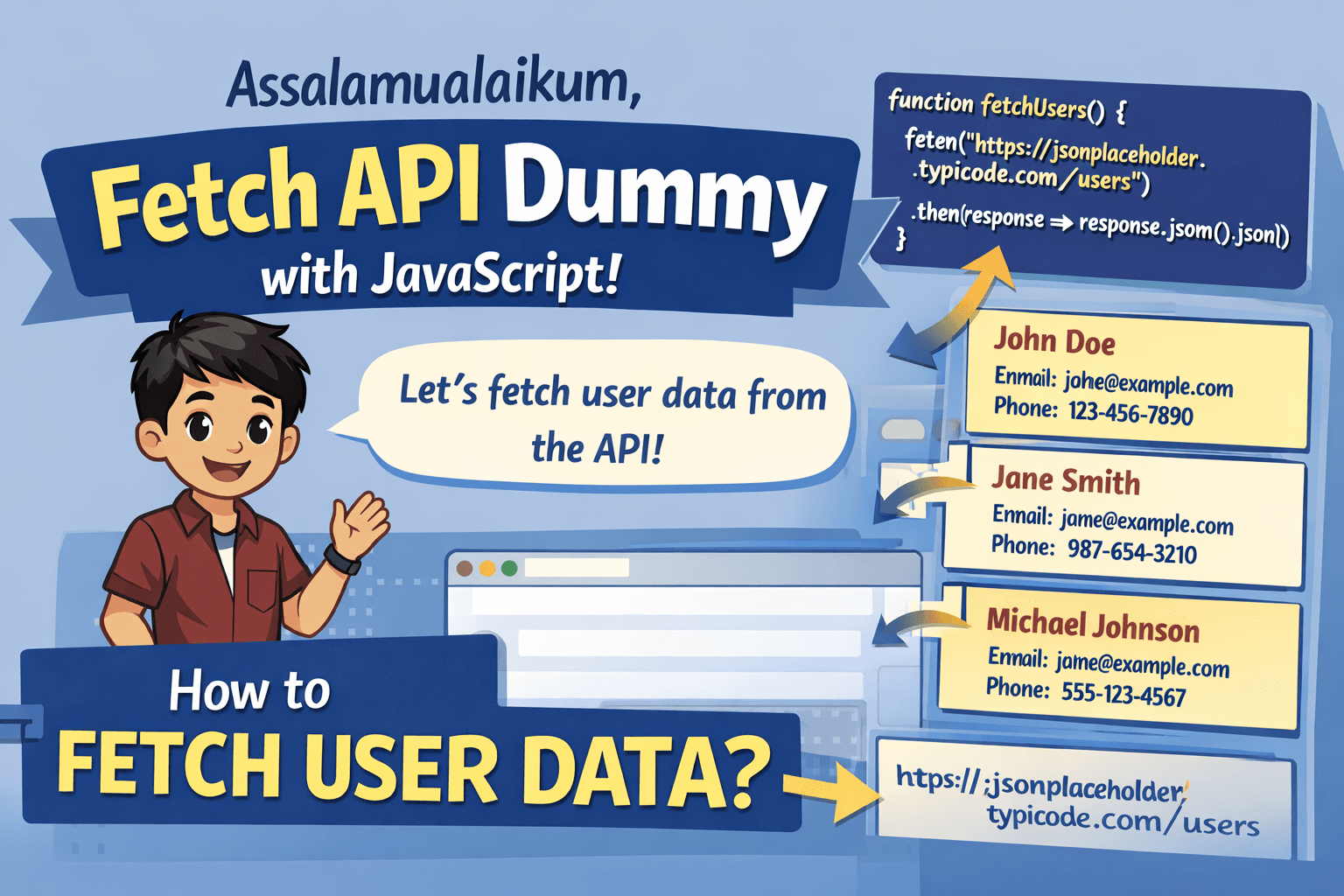
Assalamualaikum, hello guys welcome back to my blog, and this article explaining about CRUD (create, read, update, delete) in javascript, let’s me show how this code can running
1. Item List
This project about item list, look this code
let itemList = [
{code: "BRG001", name: "shoap",      price:"5000",  qty: 10},
{code: "BRG002", name: "shampo",     price:"12000", qty: 5},
{code: "BRG003", name: "toothpaste", price: "8000", qty: 7}
];
This code a array object that stores the item list data
2. CRUD Item List Data
Before we crud data we need code for find index for array object : item list data
function findIndexByCode(list, code){
    return list.findIndex(
        (b) => b.code.toLowerCase() === code.toLowerCase()
    );
};
2.1 Create New Data for Item List
we will create 3 new data:
//hard code (for you don't have duplicated)
if(findIndexByCode(itemList, "BRG004") === -1){
    itemList.push({code: "BRG004", name: "tissue",    price: "6000",  qty: 20})
}
//or simple code
itemList.push({code: "BRG004", name: "tissue",    price: "6000",  qty: 20});
itemList.push({code: "BRG005", name: "brush",     price: "7000",  qty: 12});
itemList.push({code: "BRG006", name: "detergent", price: "15000", qty: 9});
2.2 Update Data for Item List
we will update some data in item list
const id_shampo = itemList.findIndex(b => b.code === "BRG002")
    itemList[id_shampo].price = "12500"
    itemList[id_shampo].qty = 6

const id_tissue = itemList.findIndex(b => b.code === "BRG004")
    itemList[id_tissue].price = "12500"
    itemList[id_tissue].qty = 6
2.3 Delete Data for Item List
we will delete 1 data for item list
const indexToothPaste = itemList.indexOf(2);
if(indexToothPaste === -1){
itemList.splice(indexToothPaste, 1)
}
2.4 Read Data for Item List
we wiil create table from item list data
console.log("no  |kode   | nama         | harga      |qty  ")
itemList.forEach((b, i) => {
const no = string(i + 1).padStart(3, "0");
const code = b.code.padEnd(5, " ");
const name = b.name.padEnd(12, " ");
const harga = string(b.harga).padStart(9, " ");
const qty = string(b.qty).padStart(3, " ");
console.log(`${no} | ${code} | ${name} | ${price} | ${qty} `);
});
2.5 Result Data

3. Closing
see you next time guys, good bye