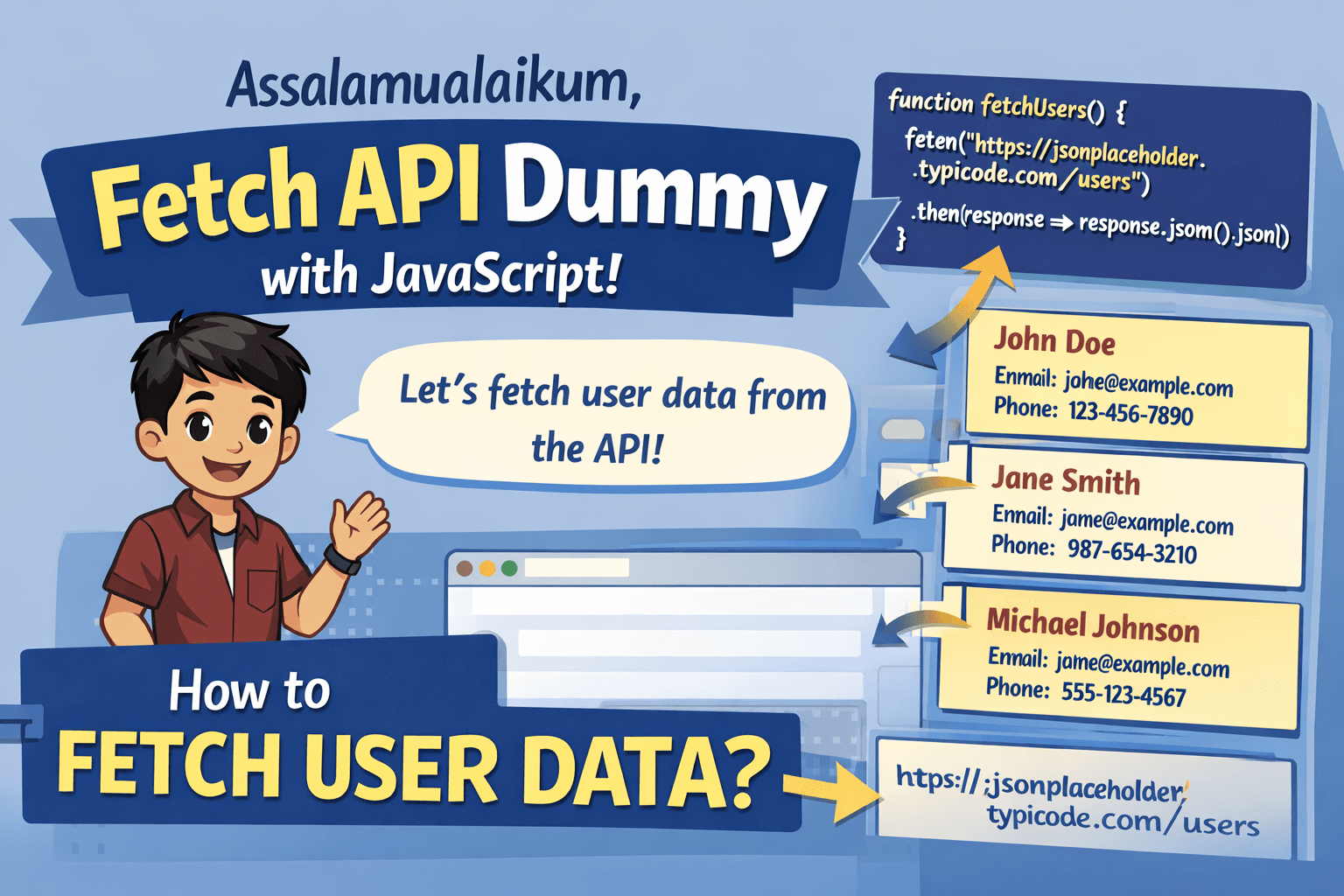
Assalamualaikum, hello everyone i hope very well today, and here i will explain you about fetch API Dummy with javascript, this API:
https://jsonplaceholder.typicode.com/users
but before that, here i will explain about front end
Why We Need Front End?
Frontend is a programmer who create user interface in website or app or other, and for example he is show data from database until can look users.
Create Html
this code html for you:
<!DOCTYPE html>
<html lang="en">
<head>
    <meta charset="UTF-8">
    <meta name="viewport" content="width=device-width, initial-scale=1.0">
    <title>Percobaan Fetch API</title>
</head>
<body>
    <h1>users</h1>
    <div id="users-container"></div>
</body>
</html>
Create Script
this code javascript for you:
 const usersContainer = document.getElementById("users-container");

      async function fetchUsers() {
        const response = await fetch(
          "https://jsonplaceholder.typicode.com/users"
        )
          .then((response) => response.json())
          .catch((error) => console.error("Error fetching users:", error));
        console.log(response);
        const users = response;
        users.forEach((user) => {
          const userDiv = document.createElement("div");
          userDiv.innerHTML = `
            <h2>${user.name}</h2><p>Email: ${user.email}</p><p>Phone: ${user.phone}</p>
            `;
          usersContainer.appendChild(userDiv);
        });
      }
      fetchUsers();
Explanation About Code

then here i will explain you about my code:
we need container for data, this is tag div with id ‘users-container’
on javascript create function, name is fetchUsers
then you get the data with fetch from this url: https://jsonplaceholder.typicode.com/users and put in variable response
so that is safety you put variable users for identify
for loop array users then you create new div to fill data
then the data already you put into container
Closing
okay, maybe this is my project, thanks for watching good bye…………