Assalamualaikum, Hello everyone i hope you good today, right now i’ll explain you about Database.
What Is Database?
easily database is a place for save a many data.
for example: in the class have a many student, in that data is not missing, the data must put into Database to save.
Database With Supabase
Supabase is a database based from “postgres sql” alias with SQLanguage, and how to use that with javascript?
lets go to explanation to use supabase for you project…
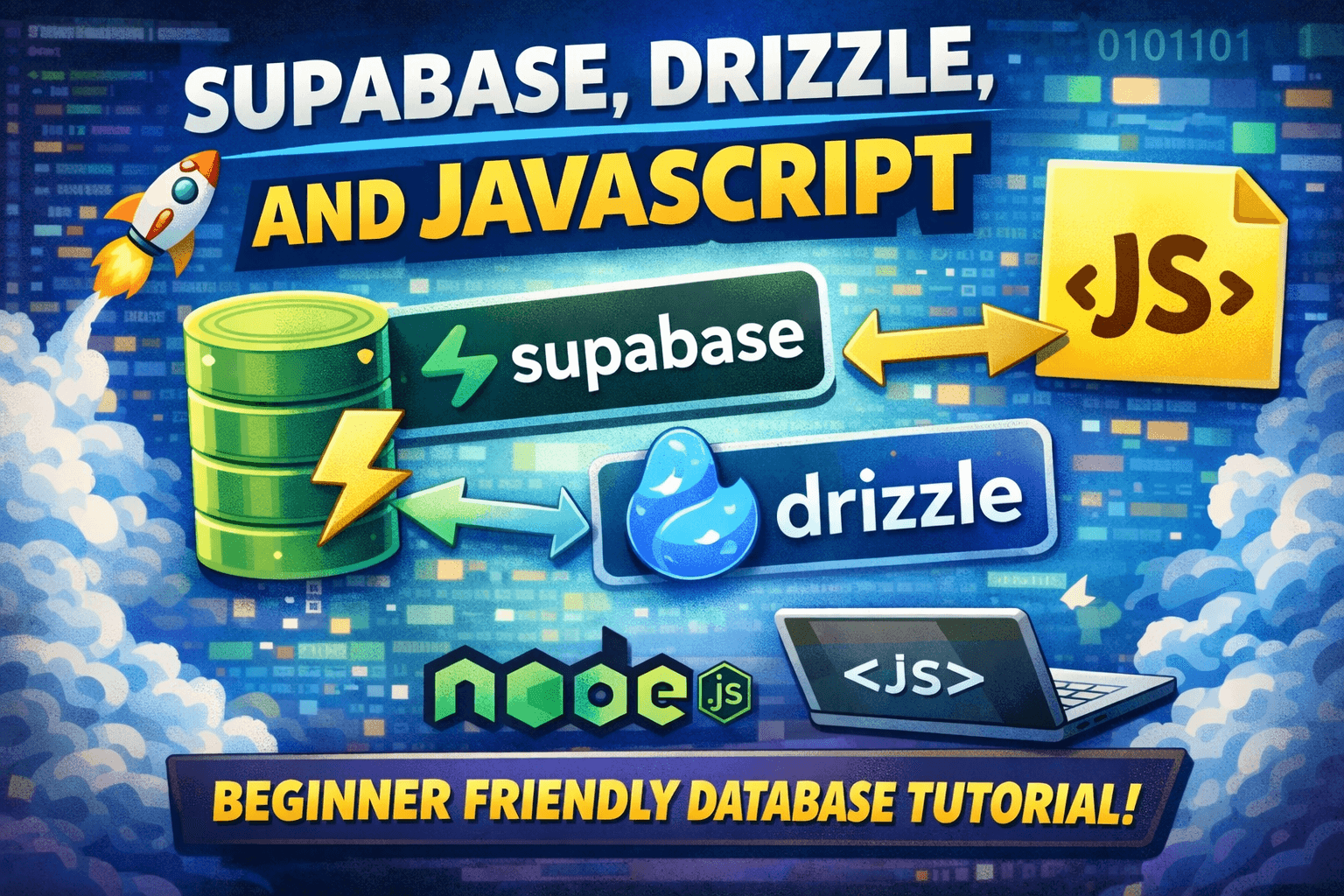
Supabase, Drizzle, And Javascript
Supabase : Database (the place of the data).
Drizzle : ORM (the connection between database and program).
Javascript : Basic language (language to create program).
Node.js : Package manager (installation Package).
First, initialization npm
npm init -y
then you can install this:
npm install drizzle-orm pg dotenv
npm install -D drizzle-kit
fill .env with url database (postgresql, mysql, etc) for example i use supabase
DATABASE_URL="postgresql://postgres:[your-password]:6543/postgres"
create file “schema.js“ then you can typing this:
import {
 pgTable,
 serial,
 varchar,
} from 'drizzle-orm/pg-core';

export const note = pgTable('latihan_catatan', {
    id: serial('id').primaryKey(),
    note: varchar('note', { length: 256 }).notNull()
})
next you can create configuration between javascript and supabase with drizzle, check this code (drizzle.config.js):
import 'dotenv/config'

export default {
    dialect: 'postgresql',
    schema: './schema.js',
    out: './drizzle',
    dbCredentials: {
        url: process.env.DATABASE_URL,
        ssl: { rejectUnauthorized: false }
    }
}
then you can add new code in scripts on package.json
"scripts": {
  "db:generate": "drizzle-kit generate",
  "db:migrate": "drizzle-kit migrate"
},
explanation:
generate: is mean generate Query SQL before execute in database.
migrate: is mean database start to execute the previous query (generate).
after that, you can run on terminal
npm run db:generate
npm run db:migrate
and right now you have table on database but empty

so you can fill data for your database with connecting into database with this code (index.js):
import { drizzle } from 'drizzle-orm/node-postgres';
import { Pool } from 'pg';
import * as schema from './schema.js'

const pool = new Pool({
    connectionString: process.env.DATABASE_URL,
    ssl: { rejectUnauthorized: false }
})

export const db = drizzle(pool, { schema })
next you can create new data in database:
import 'dotenv/config';
import { db } from './index.js';
import { note } from './schema.js';

async function seed() {
    console.log('Sedding database......')
    await db.delete(note)

    const note1 = await db.insert(note).values({
        note: "Abdullah Juara Pertama Koki Bintang Lima Internasional dari Indonesia"
    })
    .returning();

    console.log(note1);
    console.log('✅ Sedding completed!')
    process.exit(0)
}

seed().catch((err) => {
    console.error('❌ Sedding failed:', err);
    process.exit(1)
})
then you can update again package.json
"scripts": {
    "db:seed": "node seed.js"
  }
so right now you have data now

Closing
thanks for watching, see you next time……